Overview
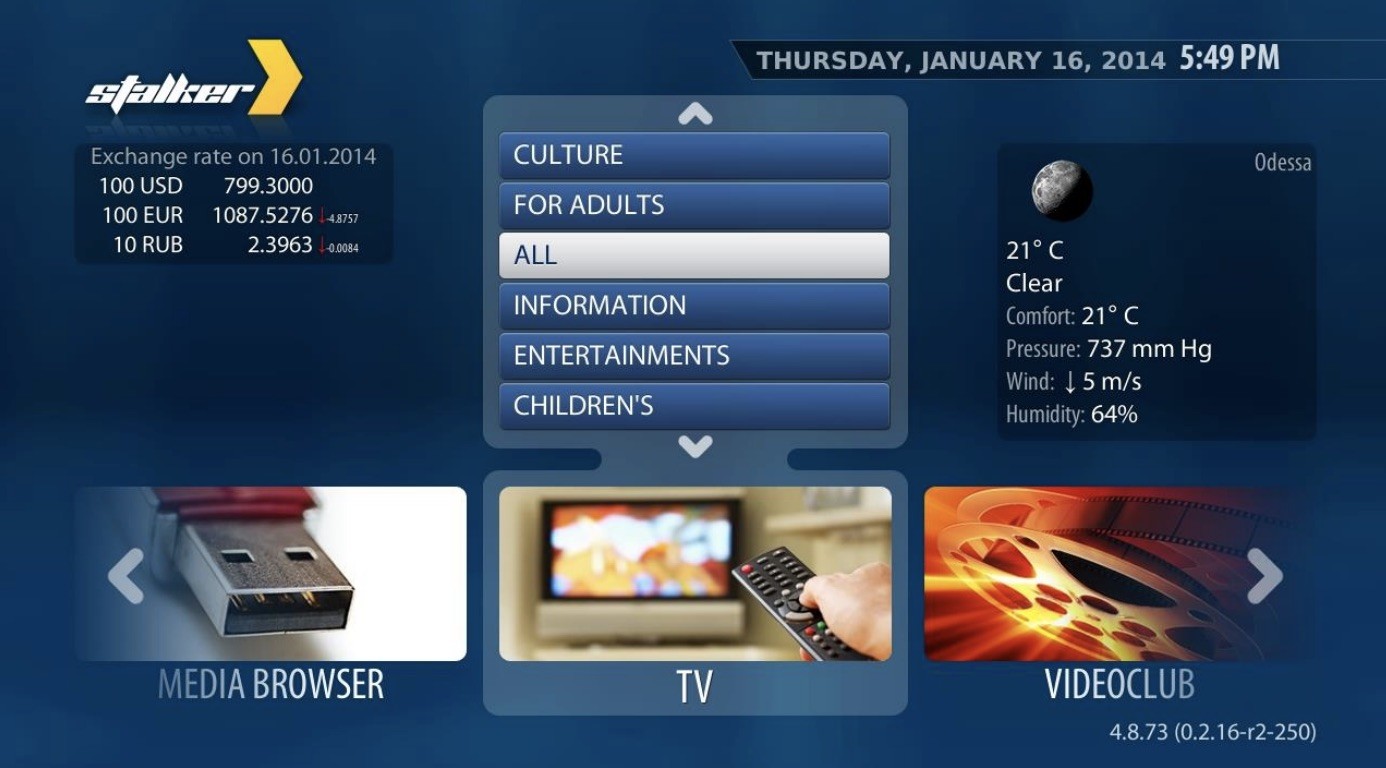
The TVIP S-box is one of the popular STB boxes especially in Sweden which has built-in Stalker platform to handle your IPTV subscriptions Channels and VOD over MAC address connection. TVIP is very similar to the MAG boxes and somehow emulates the MAG box-embedded software.
Please note: You need an IPTV subscription to get channels and other content. If you have not placed one here
Install IPTV on TVIP
Time needed: 6 minutes.
Learn how to bring IPTV channels on TVIP.
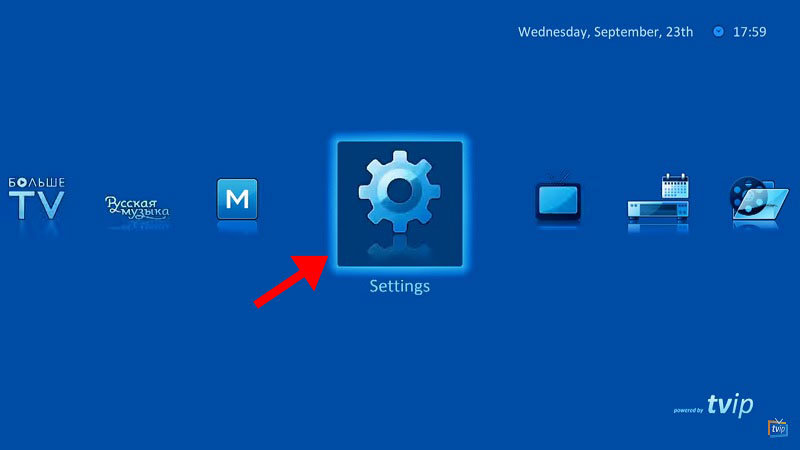
- Navigate to Settings Start from the main menu and select Settings
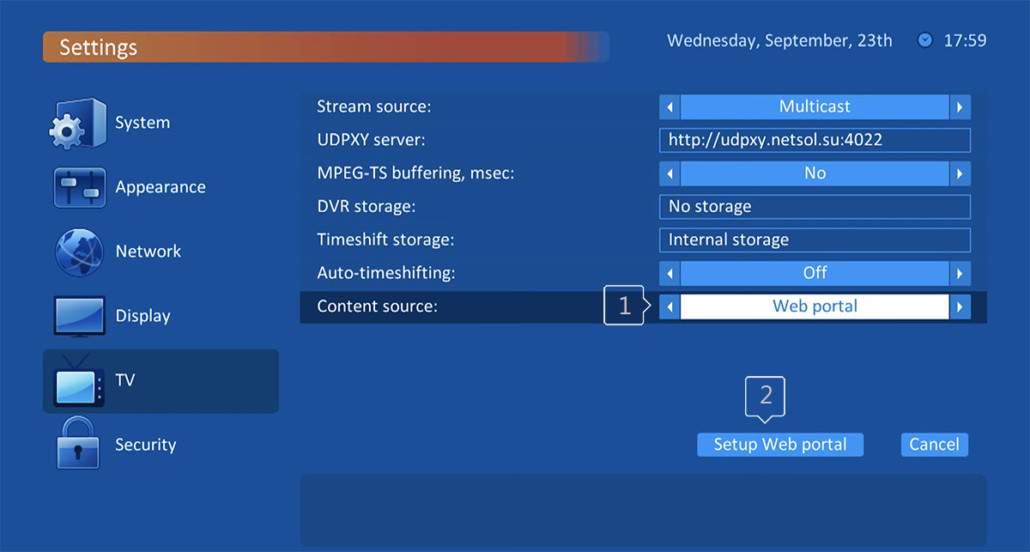
- Choose Content source type Now on the right menu select the TV icon and then on the right side change the Content source to Web portal and click on Set up web portal
- Set Web portal settings
Set Portal URL (you can ask for Stalker server address from your IPTV distributor )
Set Use Web Portal : Whole system and be sure API mode is : MAG ( in Old firmwares you can choose GSTB instead of MAG )
Press Apply
Attention : Your MAC address must be assigned in server . Clients can assign MAC address via client dashboard or ask your IPTV provider to do it.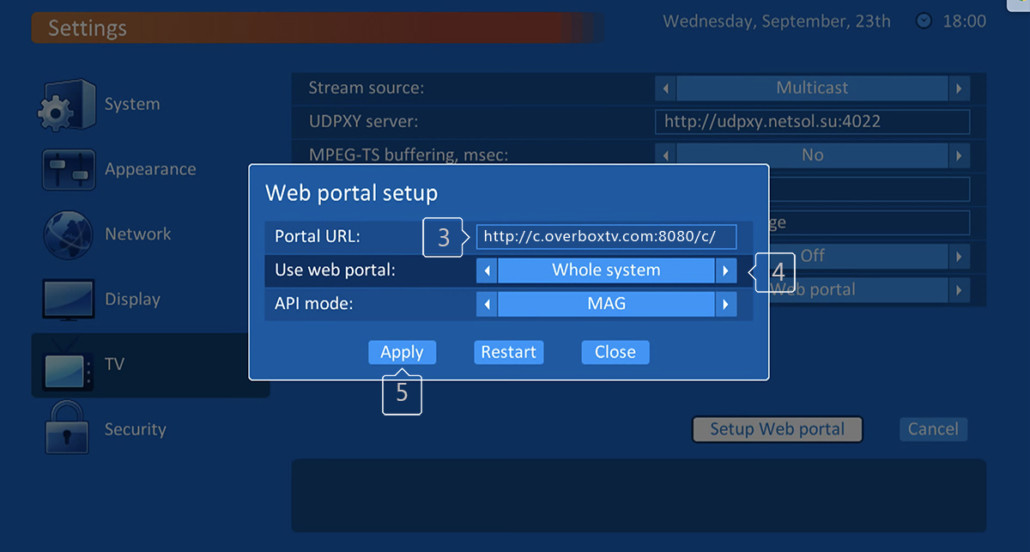
- Wait to load portal After adding your portal server address, you must wait for the portal to load your playlist. This might take a few minutes.