Overview
Most advanced, Easy to use, smooth, and modern graphic interface IPTV for big-screen Android devices (Android TV). This app stays number 1 within the Android IPTV application. The problem is that VOD isn’t supported by the app.
The most important features are:
• Modern user interface designed for big screens
• Support for multiple playlists
• Scheduled TV guide update
• Favorite channels
• Catch-up
• Support Subtitle
• Record programs
Setup IPTV playlist in TiviMate
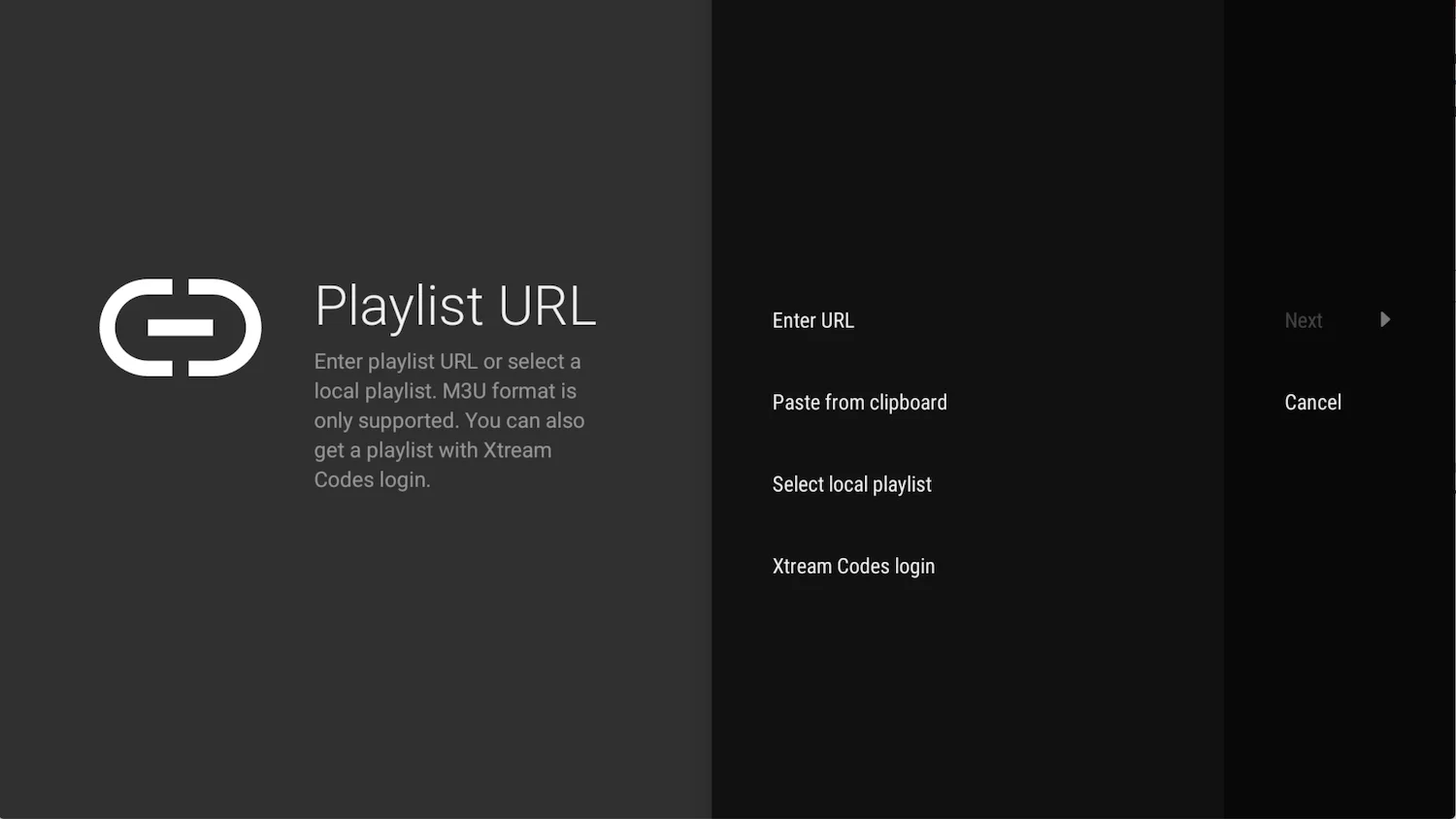
- Add playlist After install IPTV open it and select ADD PLAYLIST.
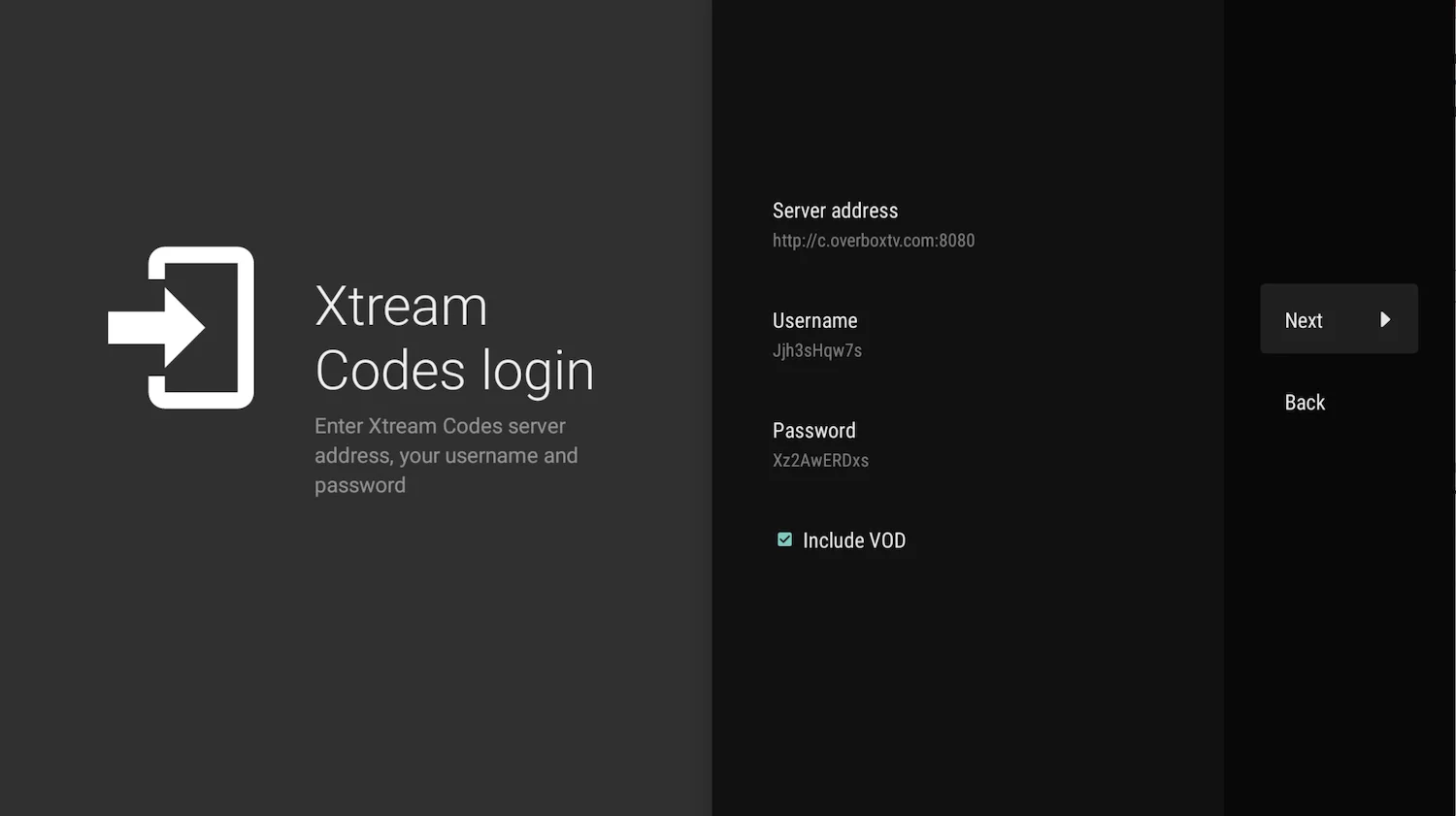
You able to add playlist in every method like download m3u link (local playlist), Remote playlist (Enter URL) and Xtream Code Login . We recommend to connect as Xtream Code method . - Enter Xtream Codes details choose Xtream Codes login and enter Xtream connection details which IPTV provider must provided to you . Then choose next.
- Choose a name for playlist
TiviMate choose server domain for playlist name automatically. You can change it to every name you want then choose Done .