Overview
It is a simple and easy-to-use IPTV application for smart TV like LG and Samsung. This app is free forever.
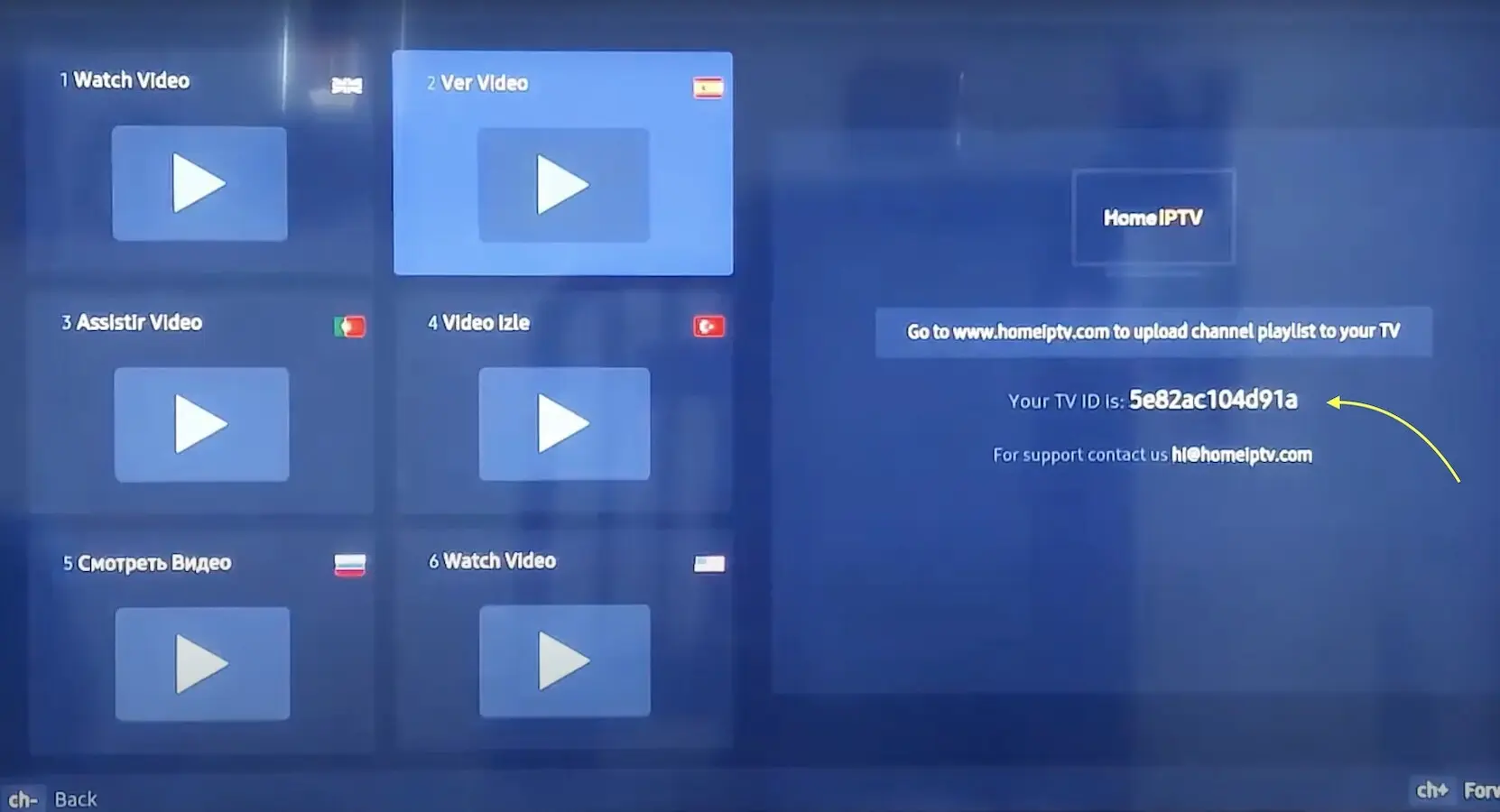
You need to search for Home IPTV in your TV application store and install it.
attention: This app doesn’t provide content like TV channels or movies, You need to place a subscription with an IPTV provider. If you have not placed one now.
Install Home IPTV
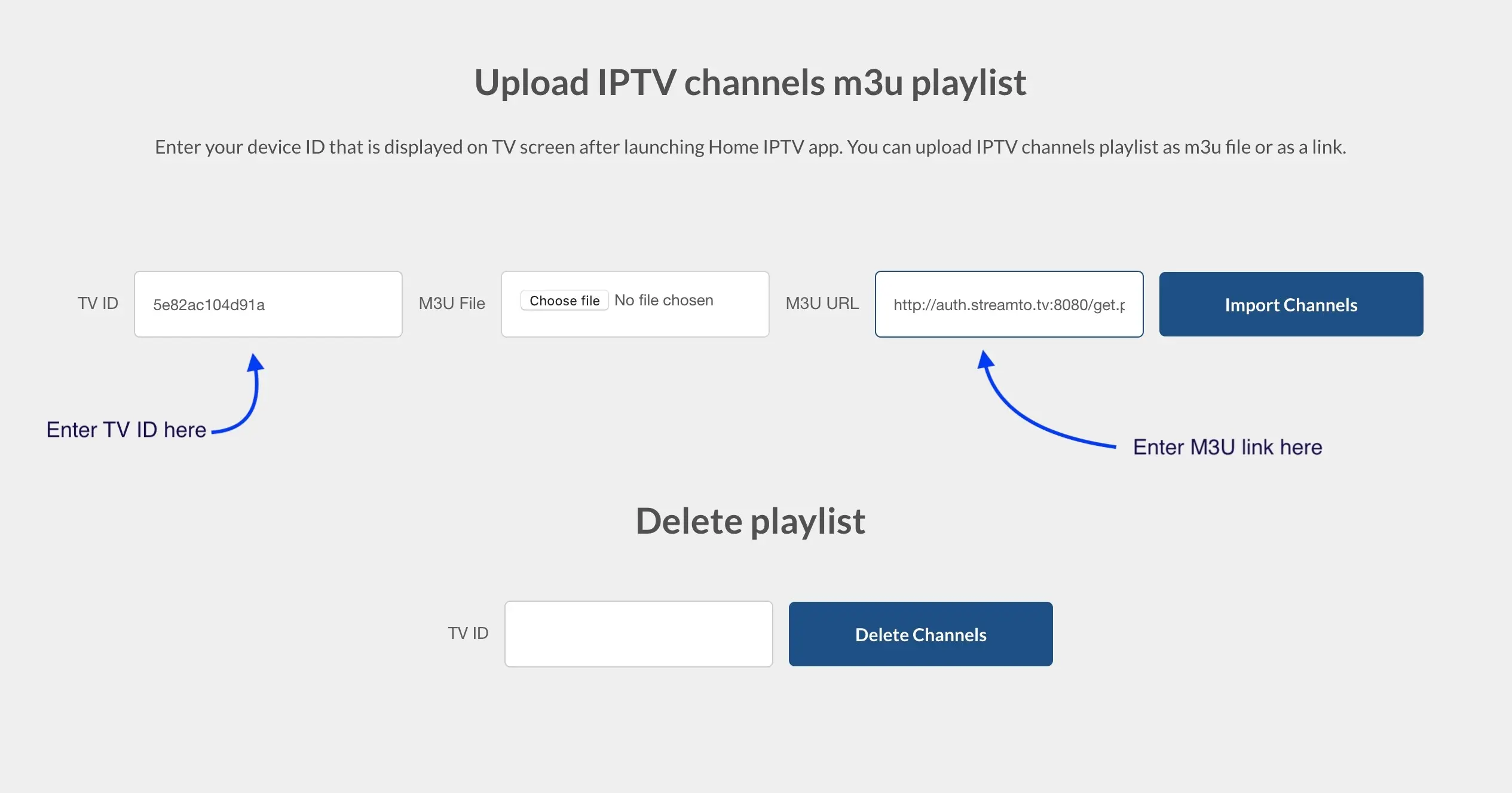
Bring TV channels to Home IPTV